Devices
An account can be signed in on two computers. A third one takes the place of one of them.
Your account can be signed in on two computers at the same time.
Sign in on a third computer
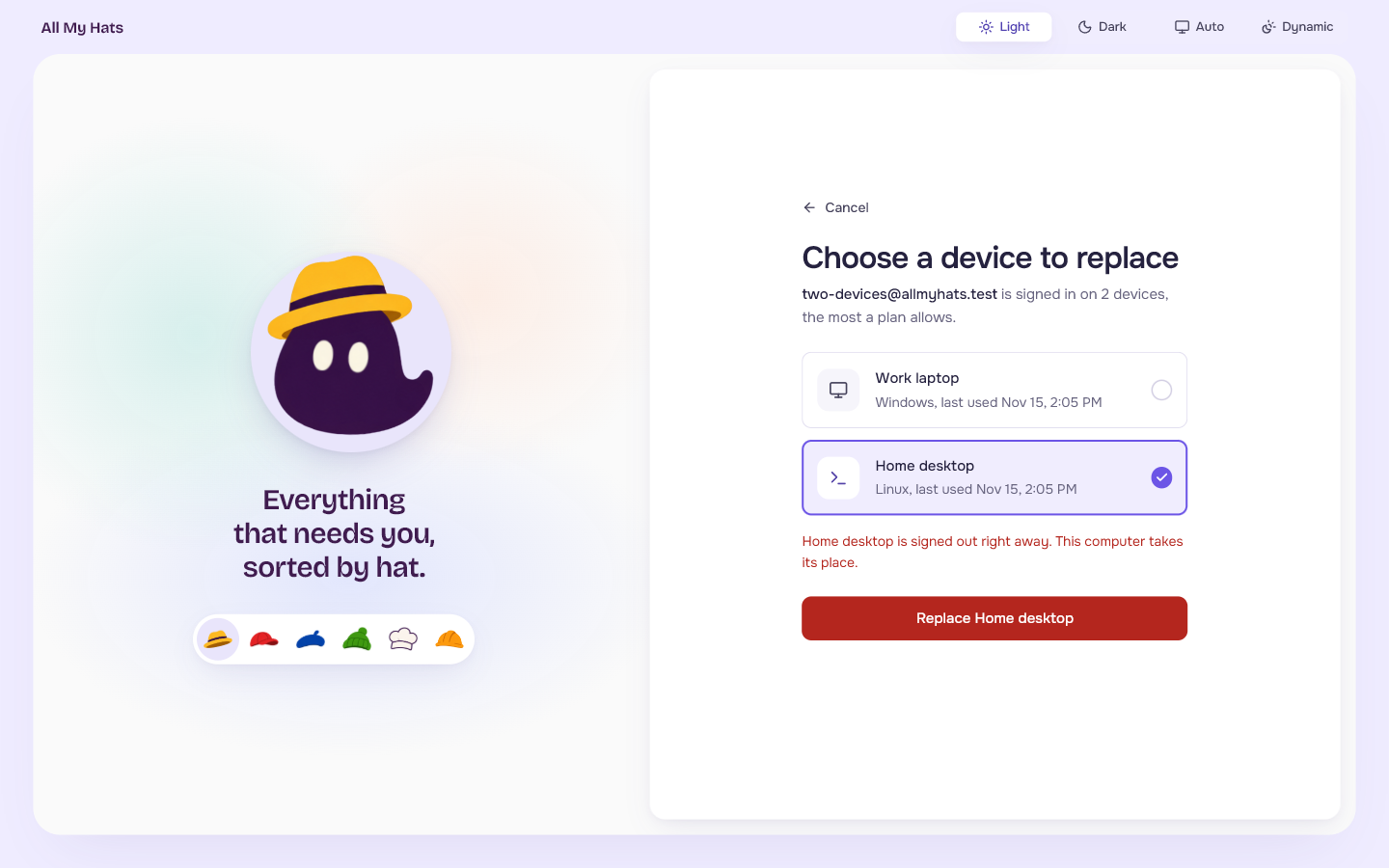
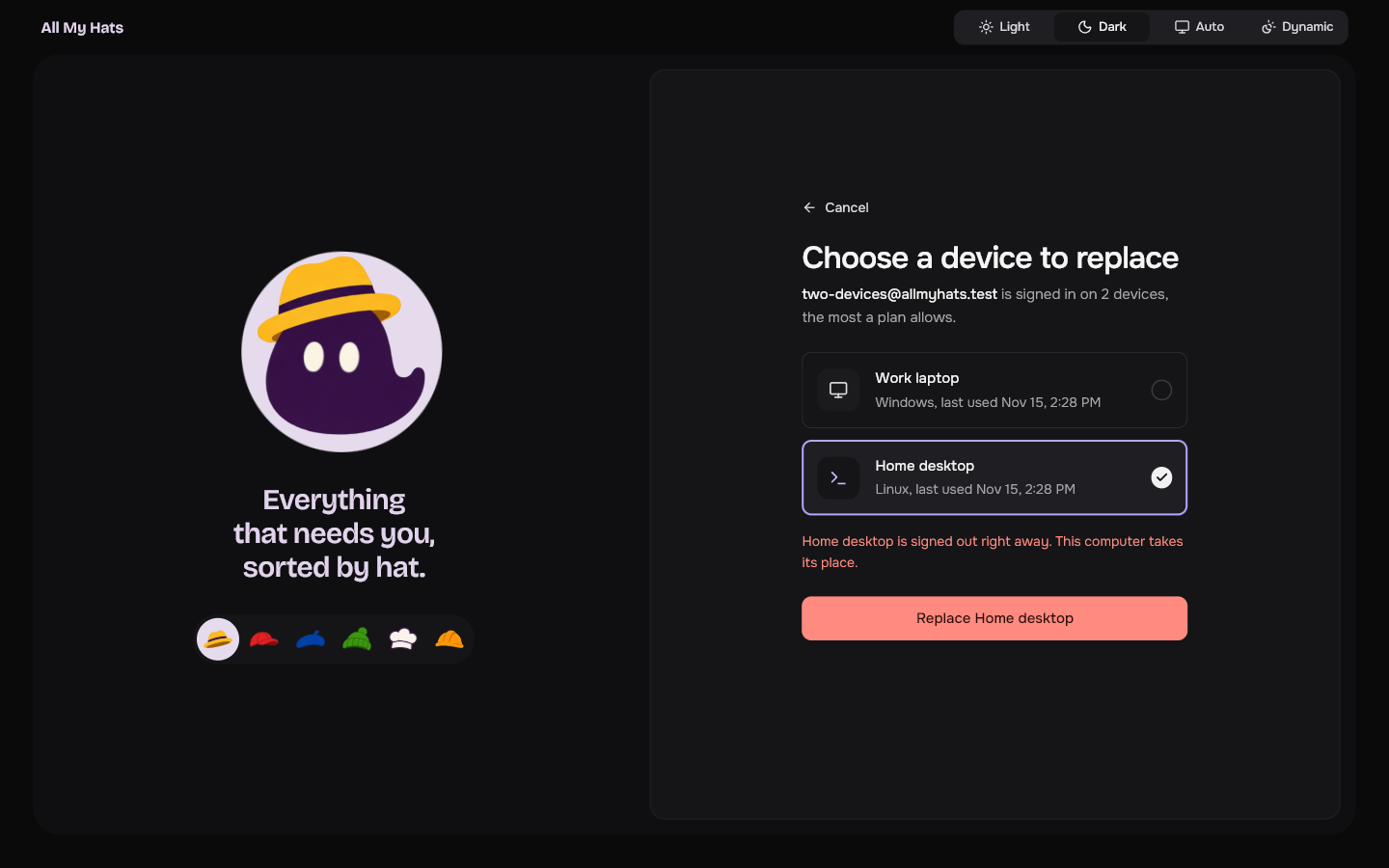
When you sign in on a third computer, the app shows Choose a device to replace after you type the code.
 Enlarge
 Enlarge
- Look at the two devices listed. Each shows its name, its system and when it was last used.
- Click the one you want to sign out.
- Press Replace followed by that device's name.
The device you chose is signed out right away, and the computer you are on takes its place. To leave everything as it is, press Cancel.
Device names
A device's name is the name the computer has in its own system settings. The app reads it when you sign in.
Free a place without replacing
Sign out on a computer you no longer use. That computer stops counting toward the two.