Make your first hat
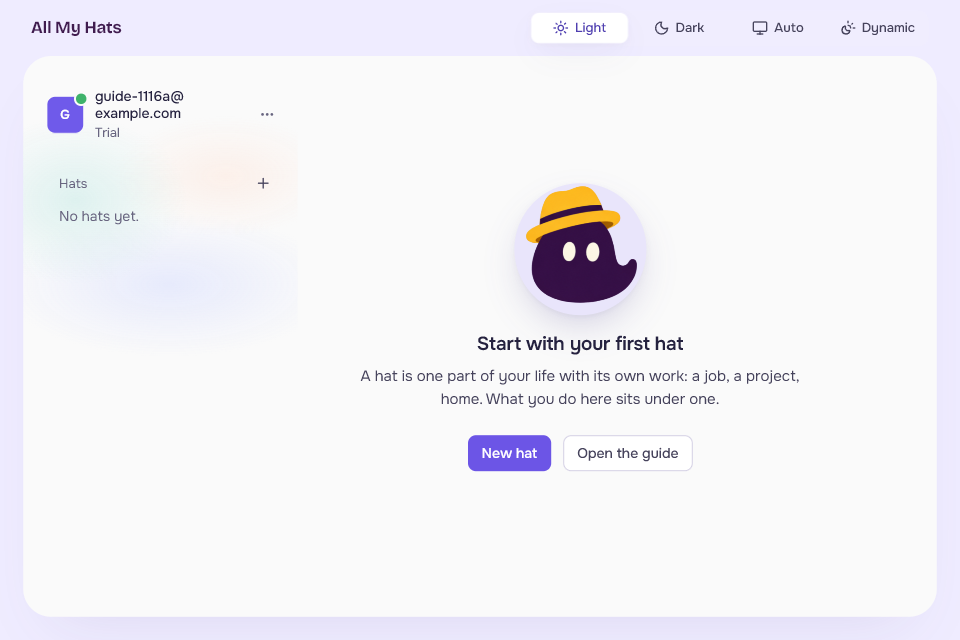
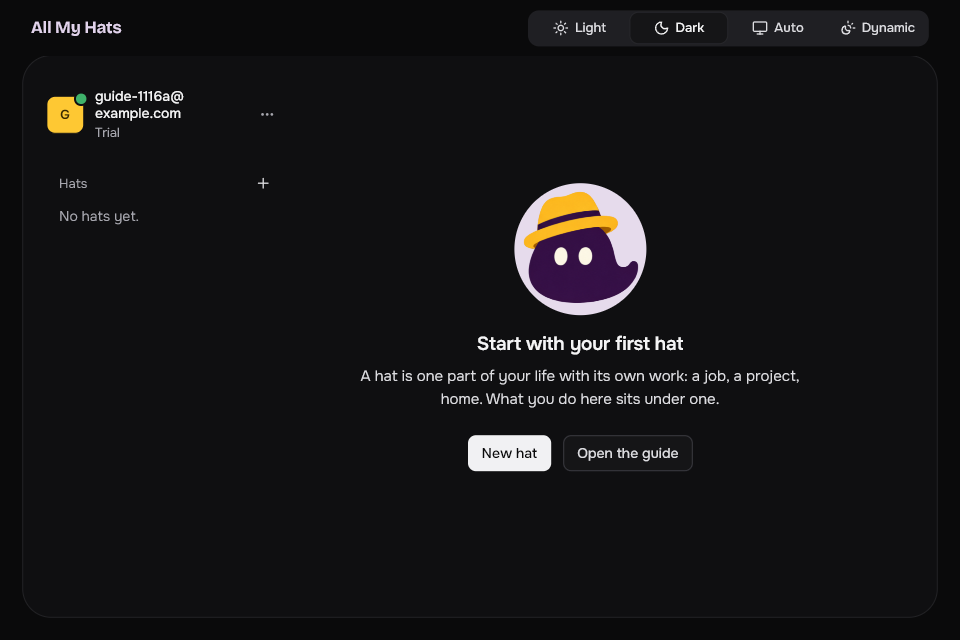
Make a hat yourself, from the main screen or from the list of hats. The guide makes your first hats for you, and this page covers making one by hand.
A hat is one part of your life with its own work: a job, a project, home. Everything you do in the app sits under a hat. Hats explains the idea.
The guide that opens after your first sign-in makes your first hats from a few words you type. If you left the guide, or want one more hat, make it here.
 Enlarge
 Enlarge
Make the hat
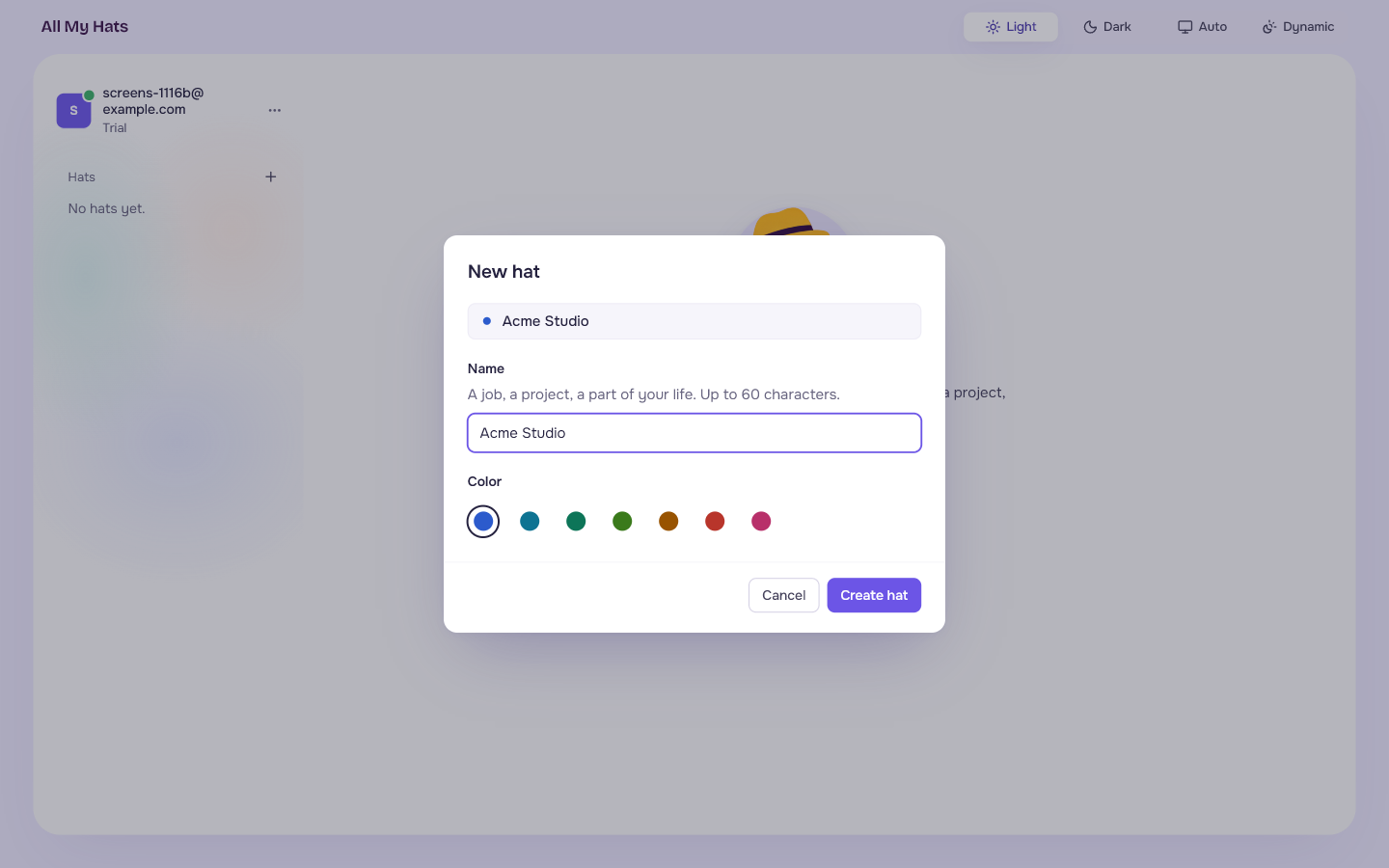
- On the main screen, press New hat. The + beside Hats at the top of the list on the left does the same.
- Type a name in Name. It can be up to 60 characters.
- Pick a color. The dialog starts on one that none of your hats uses. Custom at the end of the row opens a color picker for any color you like.
- Press Create hat.
 Enlarge
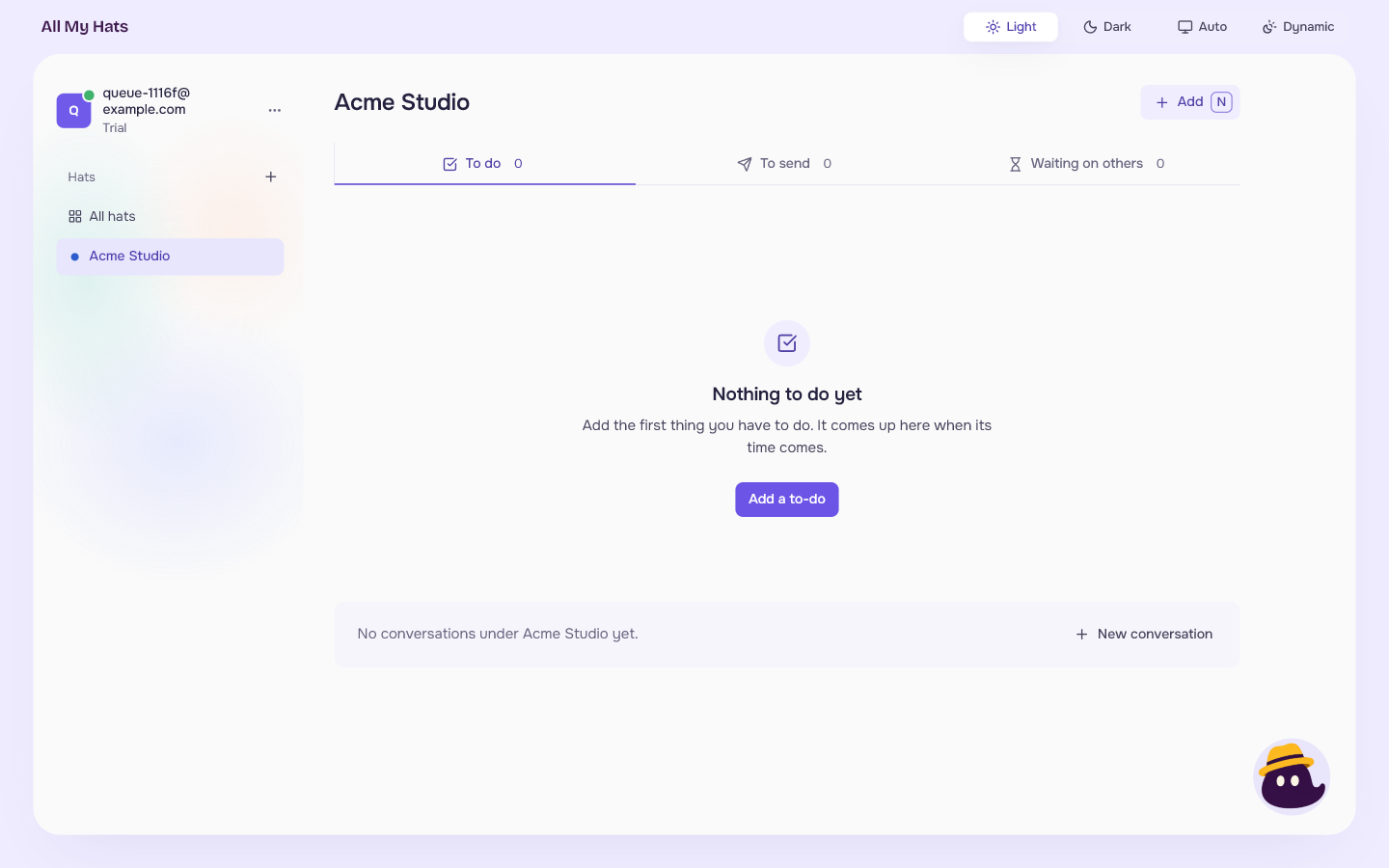
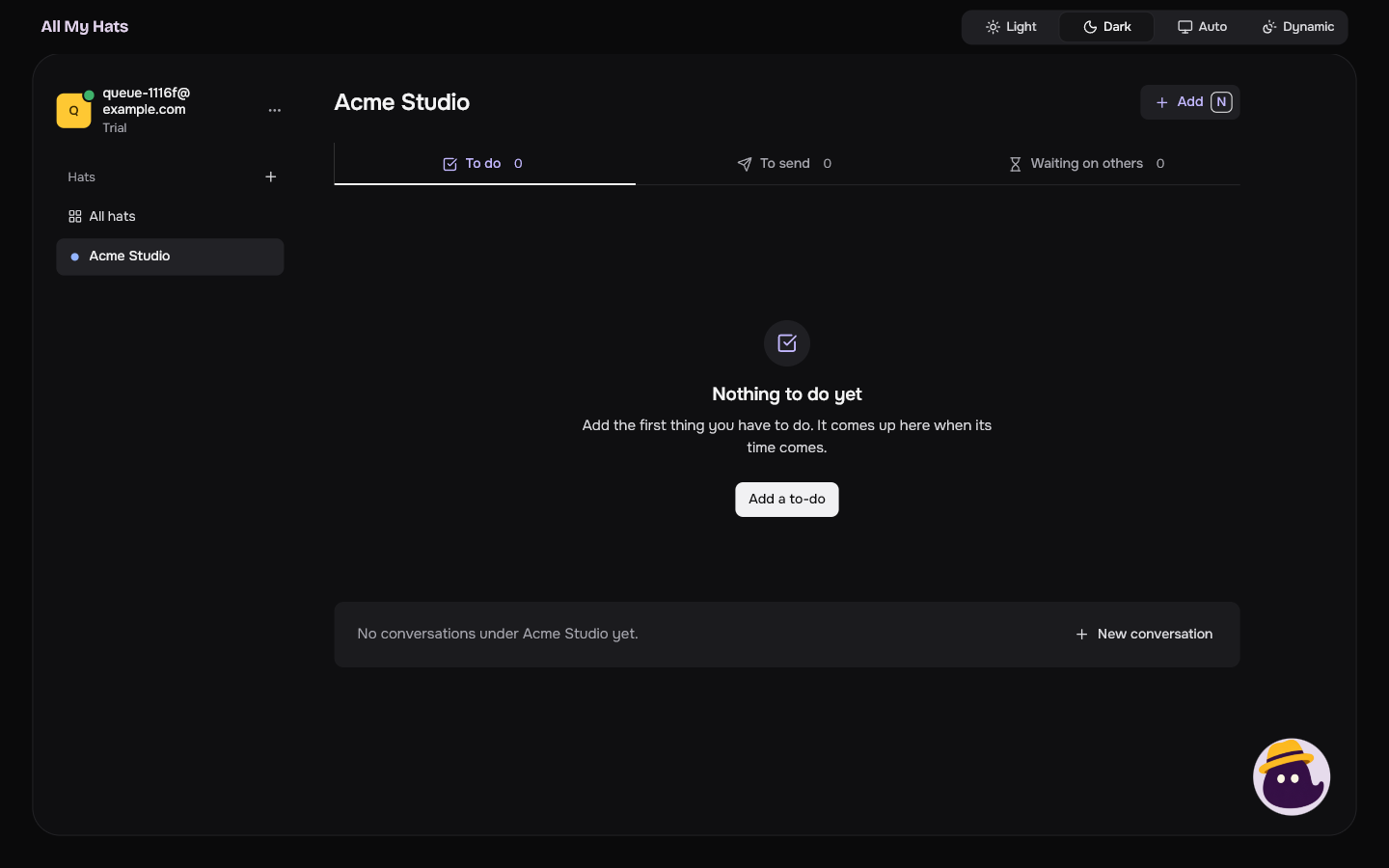
The hat appears in the list on the left and the app opens it. Because it is new, its queue is empty and says Nothing to do yet, with Add a to-do. Under it, the app says "No conversations under" followed by the hat's name and "yet", with a New conversation button.
 Enlarge
 Enlarge
Your queue explains the items. Conversations under a hat goes on from there.
You can change the name and the color later. See Your hats.