Sound and celebration
The short sounds the app plays when work gets done, the confetti for bigger moments, and how to turn either off or change the volume.
The app answers some moments with a short, soft sound. The bigger ones also get confetti, and Brim celebrates with them. Each plays once, and only after the thing has really happened: a to-do that could not be saved makes no sound.
What plays when
| Moment | What you get |
|---|---|
| You mark a to-do done | A short two-note sound |
| You copy the text of something to send | A single soft tick |
| You mark something to send as sent | A rising sound |
| You mark something you were waiting on as received | The same sound as a to-do done |
| An assistant starts on your message, in the conversation you have open, or Brim starts answering your question | A low note |
| That answer is finished | Two notes going up |
| You sign in | Three notes |
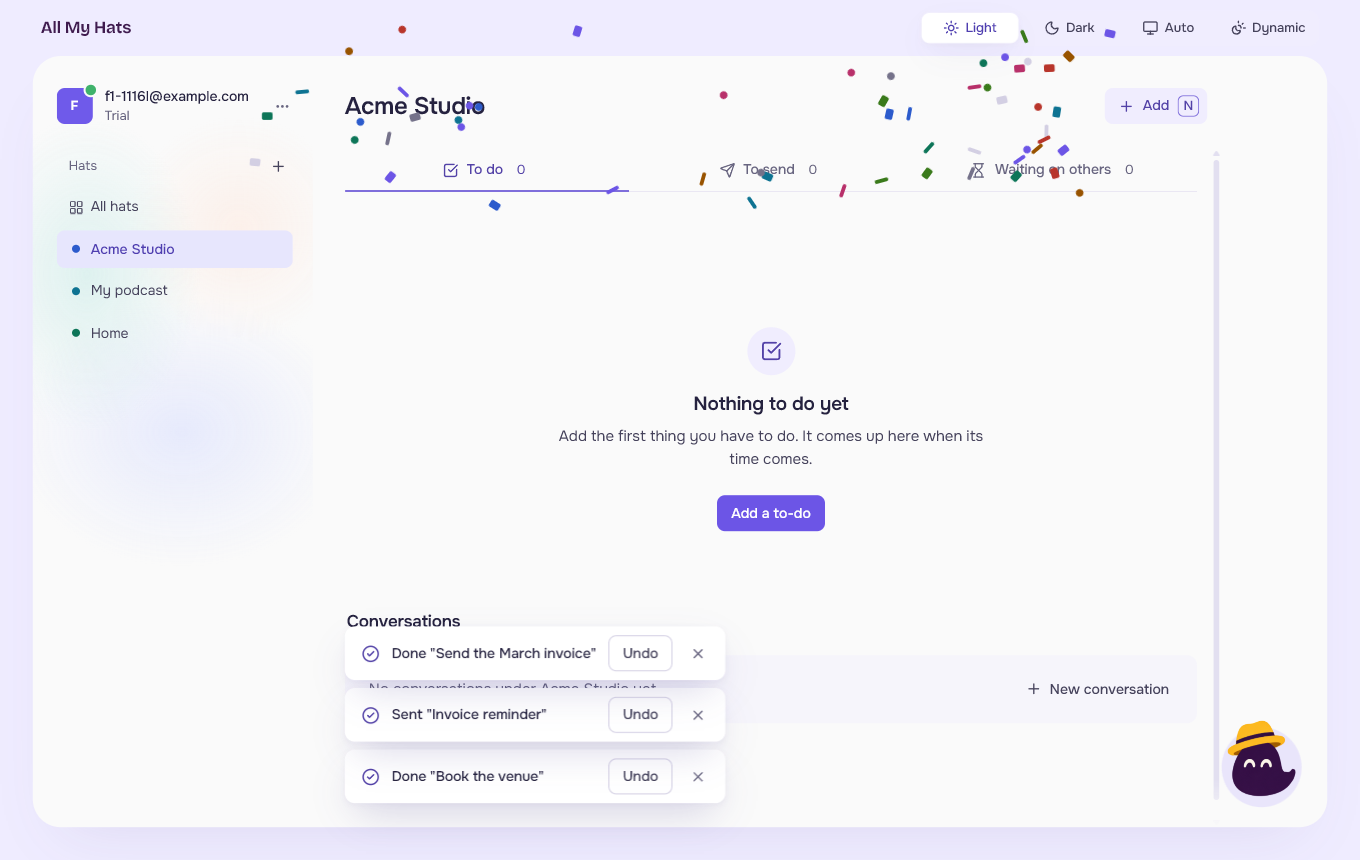
| You finish the last open item and the queue is clear | A longer sound, confetti, and Brim celebrates |
| You reach the end of the guide for the first time | A longer sound, confetti, and Brim celebrates |
Nothing plays when you undo something, when an answer is stopped, or when it fails. An answer that arrives in a conversation you do not have open makes no sound.
 Enlarge
Change the settings
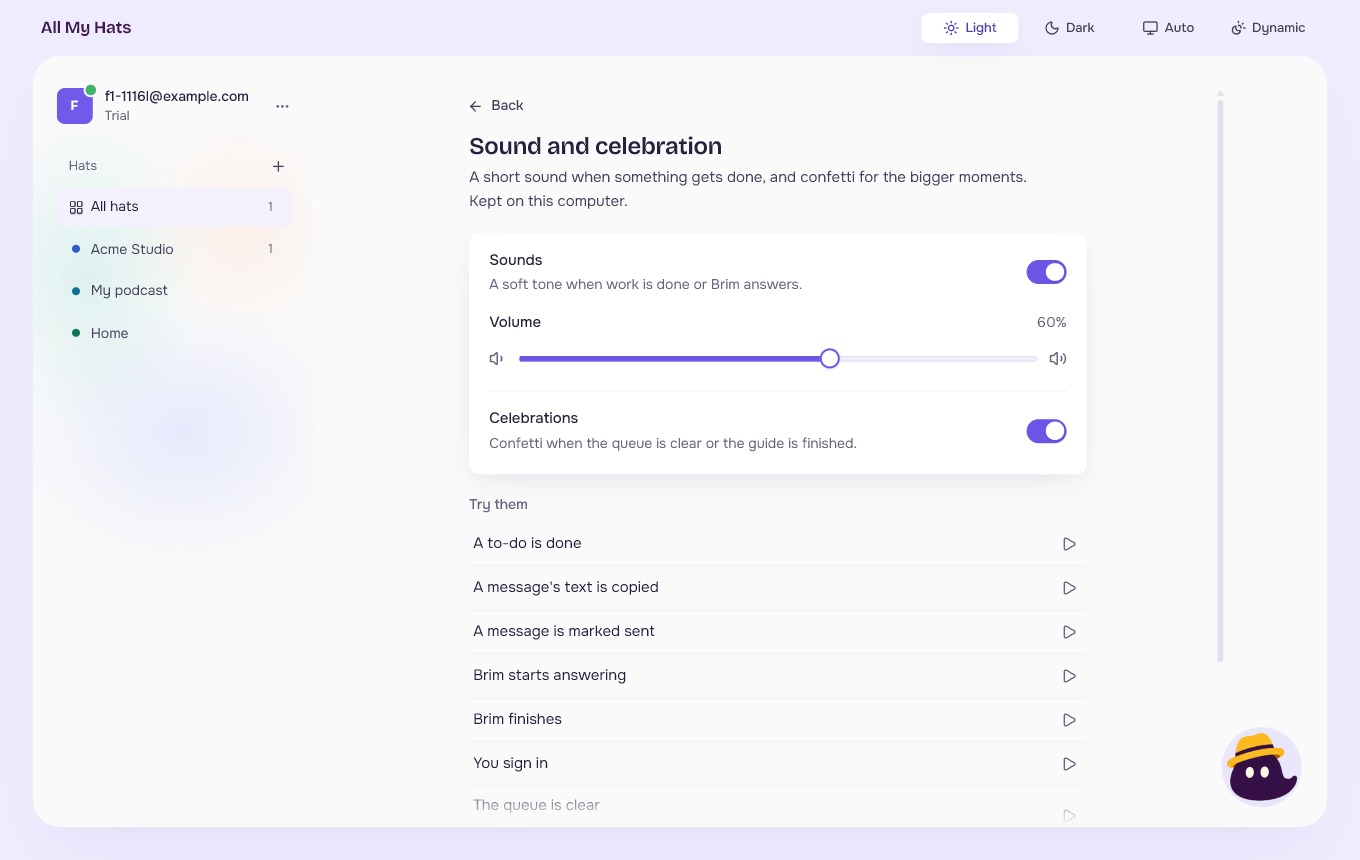
- Press the three dots beside your email at the top left.
- Choose Sound and celebration.
 Enlarge
 Enlarge
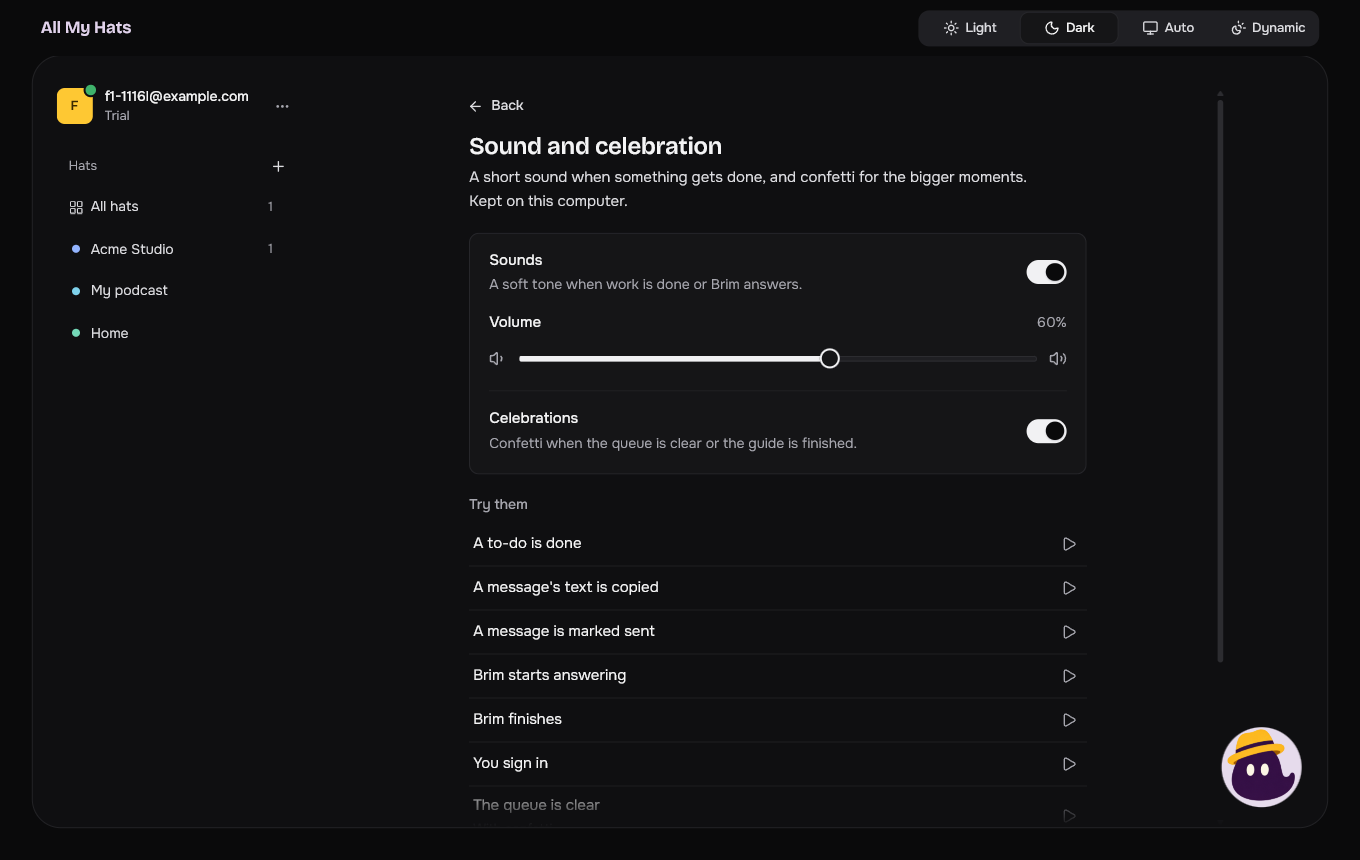
- Sounds turns every sound on or off.
- Volume sets how loud they are. It can only be moved while Sounds is on.
- Celebrations turns the confetti on or off. The sounds stay as they are. Brim still reacts.
Each change is kept at once, on this computer only. Another computer you sign in on keeps its own settings.
Under Try them, the play button beside each moment plays it, so you can hear the sound and see the confetti before it happens for real. A moment that would be silent under your settings has its button turned off.
Press Back to return to where you were.
If your computer asks for less motion
Windows, macOS and Linux each have a setting to reduce animations. When it is on:
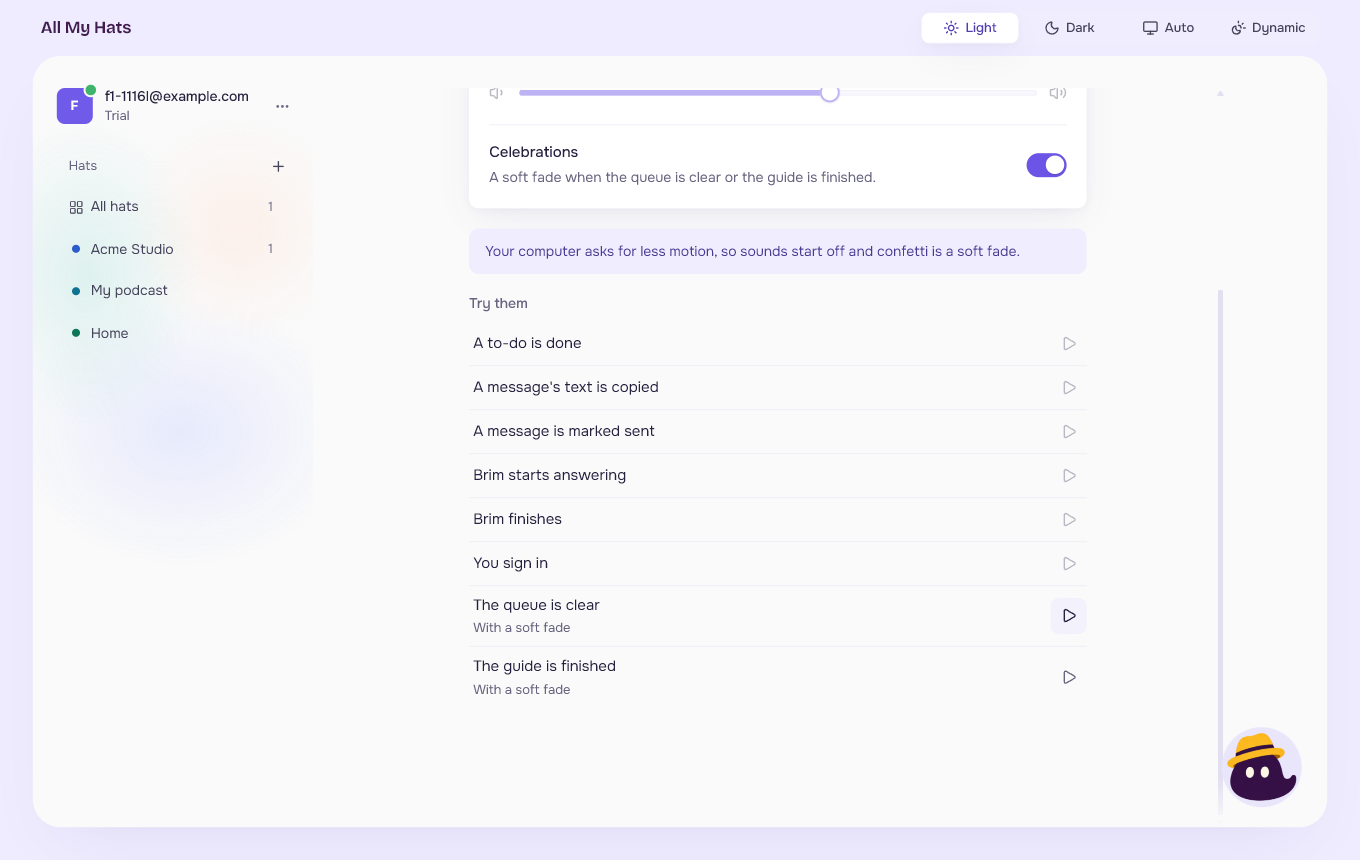
- Sounds start off. You can still turn them on yourself, and the app then keeps your choice.
- The confetti becomes a soft fade: a few pieces appear where they are and fade out, without flying.
The screen says so in a line under the settings.
 Enlarge